HL7 Parser Javascript API
The HL7 Parser allows you to transform an HL7v2 message string into a queryable object, Message, alongside other utility methods.
Methods
parse(message: string) : message[]
The HL7.parse(`MSH|…`) returns an array of Message object.
var message = HL7.parse(`
MSH|^~\&|GHH LAB, INC.|GOOD HEALTH HOSPITAL|ADT1|GOOD HEALTH HOSPITAL|20210305104622||ACK^A01^ACK|ACK-MSG00001|T|2.5.1
MSA|AA|MSG00001`);
splitField(field: string, componentDelimiter: string = ‘^’) : string[]
Returns an array of components values. An optional parameter can be used to override the default component delimiter.
var components = HL7.splitField('component 1^component 2^component 3');
log(components);
// ['component 1', 'component 2', 'component 3']
splitComponent(component: string, subComponentDelimiter: string = ‘&’) : string[]
Returns an array of sub-components values. An optional parameter can be used to override the default sub-component delimiter.
var subComponents = HL7.splitComponent('sub-component 1&sub-component 2&sub-component 3');
log(subComponents);
// ['sub-component 1', 'sub-component 2', 'sub-component 3']
isNull(element: field | component | subComponent) : bool
Returns true if the element’s value is equal to the NULL character. The NULL character is represented by transmitting “”.
var isNull = HL7.isNull('""');
log(isNull);
// true
isPopulated(element: field | component | subComponent) : bool
Returns true if the element’s value is not empty.
var isPopulated = HL7.isPopulated(nonEmptyField);
log(isPopulated);
// true
isNotPopulated(element: field | component | subComponent) : bool
Returns true if the element’s value is empty.
var isNotPopulated = HL7.isNotPopulated(nonEmptyField);
log(isNotPopulated);
// false
Message
The Message object allows you to fetch the underlying elements (segments, fields, components, sub-components) and properties.
Properties
sendingApplication: string
Get the MSH.3 – Sending Application field value
receivingApplication: string
Get the MSH.5 – Receiving Application field value
messageType: string
Get the MSH.9.1 – Message Code and MSH.9.2 – Trigger Event (ADT_A04), or the MSH.9 – Message Type field value if MSH.9.1 or MSH.9.2 is not specified.
Methods
get(position: string) : segment | field | component | sub-component
Returns the first segment, field, component, or sub-component object matching the given position. See the position definition.
getAll(position: string) : segment[] | field[] | component[] | sub-component[]
Returns an array with all segment, field, component, or sub-component objects matching the given position. See the position definition.
toString()
Returns a string representation of the message.
Segment
The segment object allows you to fetch the underlying elements (fields, components, sub-components) of the segment.
Methods
get(position: string) : field | component | sub-component
Returns the first field, component, or sub-component object matching to the given position. See the position definition.
getAll(position: string) : field[] | component[] | sub-component[]
Returns an array with all field, component, or sub-component objects matching the given position. See the position definition.
toString()
Returns a string representation of the segment.
Field
The Field object allows you to fetch underlying elements (components, sub-components) of the field.
Properties
position: string
Get the position of the field.
var pid_8 = message.get('PID.8');
log('Position: ' + pid_8.position);
// Position: PID.8
absolutePosition: string
Get the absolute position of the field.
var pid_8 = message.get('PID.8');
log('Position: ' + pid_8.absolutePosition);
// Position: PID[1].8[1]
Methods
get(position: string) : component | sub-component
Returns the component or sub-component object matching the given position. See the position definition.
toString(): string
Returns a string representation of the field. If the field contains components or sub-components, the toString() method will include component and sub-component values and delimiters.
*Type Coercion: The field object can be converted to a string automatically (implicit conversion).
var pid_8 = message.get('PID.8');
log('Value: ' + pid_8);
log('With conversion: ' + pid_8 == 'M');
log('Without conversion: ' + pid_8 === 'M');
// Value: M
// With conversion: true
// Without conversion: false
setValue(value: string)
Sets the value of the field. If the field contains components or sub-components, component and sub-component delimiters can be used to set their values.
var pid_3 = message.get('PID.3');
pid_3.setValue("1234567^4^M11^ADT01^MR^University Hospital");
log('Value: ' + pid_3);
// Value: 1234567^4^M11^ADT01^MR^University Hospital
Component
The Component object allows you to fetch underlying sub-components of the component.
Properties
position: string
Get the position of the component.
var pid_5_2 = message.get(‘PID.5.2’);
log(‘Position: ‘ + pid_5_2.position);
// Position: PID.5.2
absolutePosition: string
Get the absolute position of the component.
var pid_5_2 = message.get(‘PID.5.2’);
log(‘Position: ‘ + pid_5_2.absolutePosition);
// Position: PID[1].5[1].2
Methods
get(position: string) : sub-component
Returns the sub-component object matching the given position. See the position definition.
toString(): string
Returns a string representation of the component. If the component contains sub-components, the toString() will include sub-component values and delimiters.
*Type Coercion: The component object can be converted to a string automatically (implicit conversion).
var pid_5_2 = message.get('PID.5.2');
log('Value: ' + pid_5_2);
log('With conversion: ' + pid_5_2 == 'John');
log('Without conversion: ' + pid_5_2 === 'John');
// Value: John
// With conversion: true
// Without conversion: false
setValue(value: string)
Sets the value of the component. If the component contains sub-components, sub-component delimiter can be used to set their values.
var pid_5_1 = message.get('PID.5.1');
pid_5_1.setValue("Beethoven&van");
log('Value: ' + pid_5_1);
// Value: Beethoven&van
SubComponent
The SubComponent object allows you to get its value.
Properties
Position: string
Get the position of the sub-component.
var pid_5_1_1 = message.get('PID.5.1.1');
log('Position: ' + pid_5_1_1.position);
// Position: PID.5.1.1
absolutePosition: string
Get the absolute position of the component.
var pid_5_1_1 = message.get('PID.5.1.1');
log('Position: ' + pid_5_1_1.absolutePosition);
// Position: PID[1].5[1].1.1
Methods
toString(): string
Returns a string value of the sub-component.
*Type Coercion: The sub-component object can be converted to a string automatically (implicit conversion).
var pid_5_1_1 = message.get('PID.5.1.1');
log('Value: ' + pid_5_1_1);
log('With conversion: ' + pid_5_1_1 == 'Doe');
log('Without conversion: ' + pid_5_1_1 === 'Doe');
// Value: Doe
// With conversion: true
// Without conversion: false
setValue(value: string)
Sets the value of the sub-component.
var pid_5_1_1 = message.get('PID.5.1.1');
pid_5_1_1.setValue("Beethoven");
log('Value: ' + pid_5_1_1);
// Value: Beethoven
Position
The position is a string that allows you to target one or many elements inside a message. The position should be expressed using the following structure:
segment-id[segment-repetition*].field-position[field-repetition*].component-position.sub-component-position
(*those fields are optional, they indicate if the user is targeting a single element. If not specified, every element inside the message corresponding to the position will be targeted)
Here are some examples:
Segment:
- “OBX” -> corresponds to any repetition of the OBX segment
MSH||||||
OBX||||||
OBX||||||
OBX||||||
- “OBX[2]” -> corresponds to the second repetition of the OBX segment
MSH||||||
OBX||||||
OBX||||||
OBX||||||
Field:
- “5” -> corresponds to any repetition of the OBX.5 field
MSH||||||
OBX|||||OBX.5~OBX.5|
OBX|||||OBX.5~OBX.5|
OBX|||||OBX.5~OBX.5|
- “OXB[2].5” -> corresponds to any repetition of the OBX.5 field, in the second repetition of the OBX segment
MSH||||||
OBX|||||OBX.5~OBX.5|
OBX|||||OBX.5~OBX.5|
OBX|||||OBX.5~OBX.5|
- “5[2]” -> corresponds to the second repetition of the OBX.5 field, in any repetition of the OBX segment
MSH||||||
OBX|||||OBX.5~OBX.5|
OBX|||||OBX.5~OBX.5|
OBX|||||OBX.5~OBX.5|
- “OXB[2].5[2]” -> corresponds to the second repetition of the OBX.5 field, in the second repetition of the OBX segment
MSH||||||
OBX|||||OBX.5~OBX.5|
OBX|||||OBX.5~OBX.5|
OBX|||||OBX.5~OBX.5|
Component:
- “5.2” -> corresponds to any repetition of the OBX.5.2 component
MSH||||||
OBX|||||OBX.5.1^OBX.5.2~OBX.5.1^OBX.5.2|
OBX|||||OBX.5.1^OBX.5.2~OBX.5.1^OBX.5.2|
OBX|||||OBX.5.1^OBX.5.2~OBX.5.1^OBX.5.2|
- “OXB[2].5.2” -> corresponds to any repetition of the OBX.5.2 component, in the second repetition of the OBX segment
MSH||||||
OBX|||||OBX.5.1^OBX.5.2~OBX.5.1^OBX.5.2|
OBX|||||OBX.5.1^OBX.5.2~OBX.5.1^OBX.5.2|
OBX|||||OBX.5.1^OBX.5.2~OBX.5.1^OBX.5.2|
- “5[2].2” -> corresponds to the second repetition of the OBX.5.2 component, in any repetition of the OBX segment
MSH||||||
OBX|||||OBX.5.1^OBX.5.2~OBX.5.1^OBX.5.2|
OBX|||||OBX.5.1^OBX.5.2~OBX.5.1^OBX.5.2|
OBX|||||OBX.5.1^OBX.5.2~OBX.5.1^OBX.5.2|
- “OXB[2].5[2]” -> corresponds to the second repetition of the OBX.5.2 component, in the second repetition of the OBX segment
MSH||||||
OBX|||||OBX.5.1^OBX.5.2~OBX.5.1^OBX.5.2|
OBX|||||OBX.5.1^OBX.5.2~OBX.5.1^OBX.5.2|
OBX|||||OBX.5.1^OBX.5.2~OBX.5.1^OBX.5.2|
Sub-Component:
- “5.1.2” -> corresponds to any repetition of the OBX.5.1.2 sub-component
MSH||||||
OBX|||||OBX.5.1.1&OBX.5.1.2^OBX.5.2~OBX.5.1.1&OBX.5.1.2^OBX.5.2|
OBX|||||OBX.5.1.1&OBX.5.1.2^OBX.5.2~OBX.5.1.1&OBX.5.1.2^OBX.5.2|
OBX|||||OBX.5.1.1&OBX.5.1.2^OBX.5.2~OBX.5.1.1&OBX.5.1.2^OBX.5.2|
- “OXB[2].5.1.2” -> corresponds to any repetition of the OBX.5.1.2 sub-component, in the second repetition of the OBX segment
MSH||||||
OBX|||||OBX.5.1.1&OBX.5.1.2^OBX.5.2~OBX.5.1.1&OBX.5.1.2^OBX.5.2|
OBX|||||OBX.5.1.1&OBX.5.1.2^OBX.5.2~OBX.5.1.1&OBX.5.1.2^OBX.5.2|
OBX|||||OBX.5.1.1&OBX.5.1.2^OBX.5.2~OBX.5.1.1&OBX.5.1.2^OBX.5.2|
- “5[2].1.2” -> corresponds to the second repetition of the OBX.5.1.2 sub-component, in any repetition of the OBX segment
MSH||||||
OBX|||||OBX.5.1.1&OBX.5.1.2^OBX.5.2~OBX.5.1.1&OBX.5.1.2^OBX.5.2|
OBX|||||OBX.5.1.1&OBX.5.1.2^OBX.5.2~OBX.5.1.1&OBX.5.1.2^OBX.5.2|
OBX|||||OBX.5.1.1&OBX.5.1.2^OBX.5.2~OBX.5.1.1&OBX.5.1.2^OBX.5.2|
- “OXB[2].5[2].1.2” -> corresponds to the second repetition of the OBX.5.1.2 sub-component, in the second repetition of the OBX segment
MSH||||||
OBX|||||OBX.5.1.1&OBX.5.1.2^OBX.5.2~OBX.5.1.1&OBX.5.1.2^OBX.5.2|
OBX|||||OBX.5.1.1&OBX.5.1.2^OBX.5.2~OBX.5.1.1&OBX.5.1.2^OBX.5.2|
OBX|||||OBX.5.1.1&OBX.5.1.2^OBX.5.2~OBX.5.1.1&OBX.5.1.2^OBX.5.2|



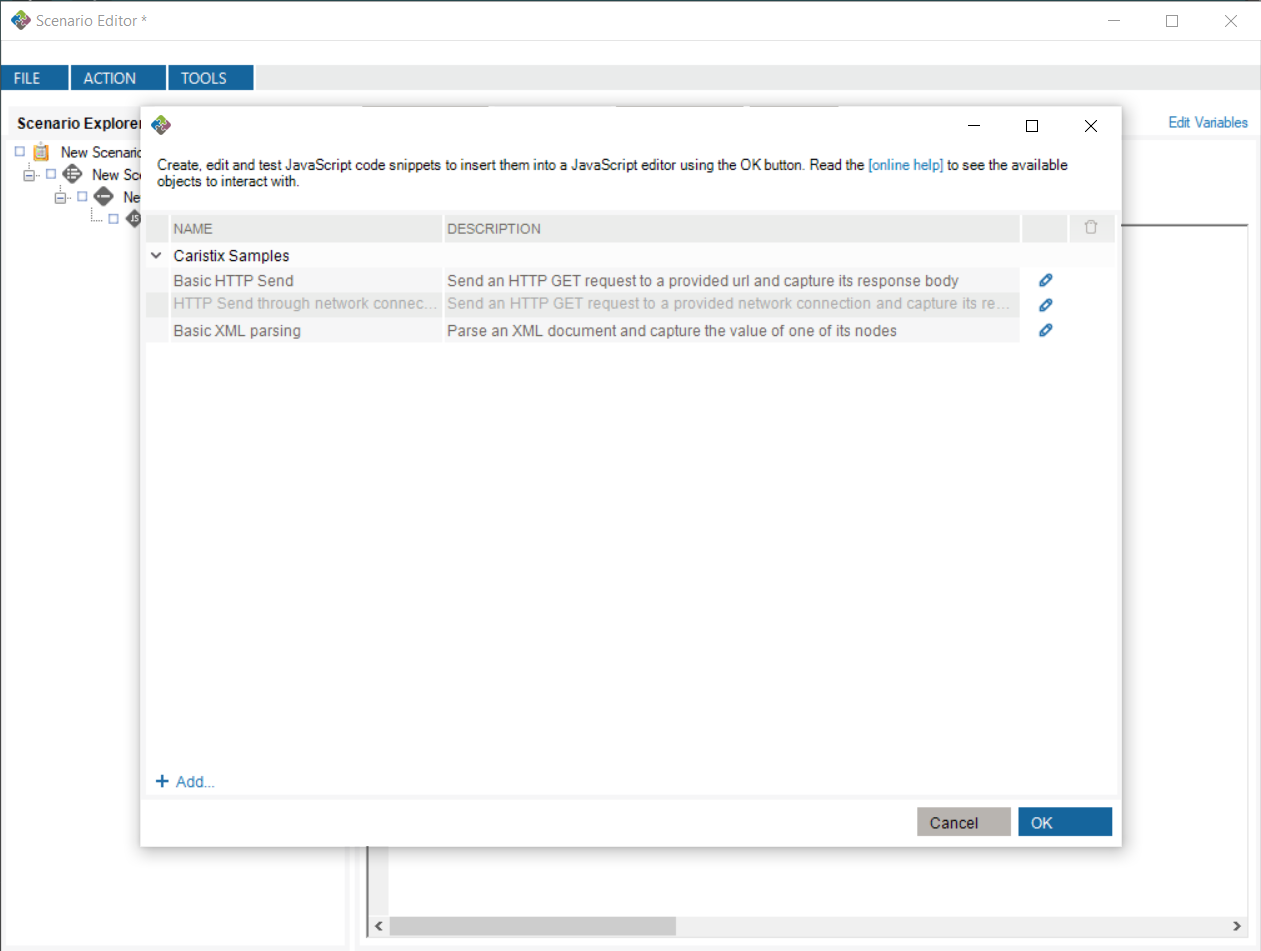
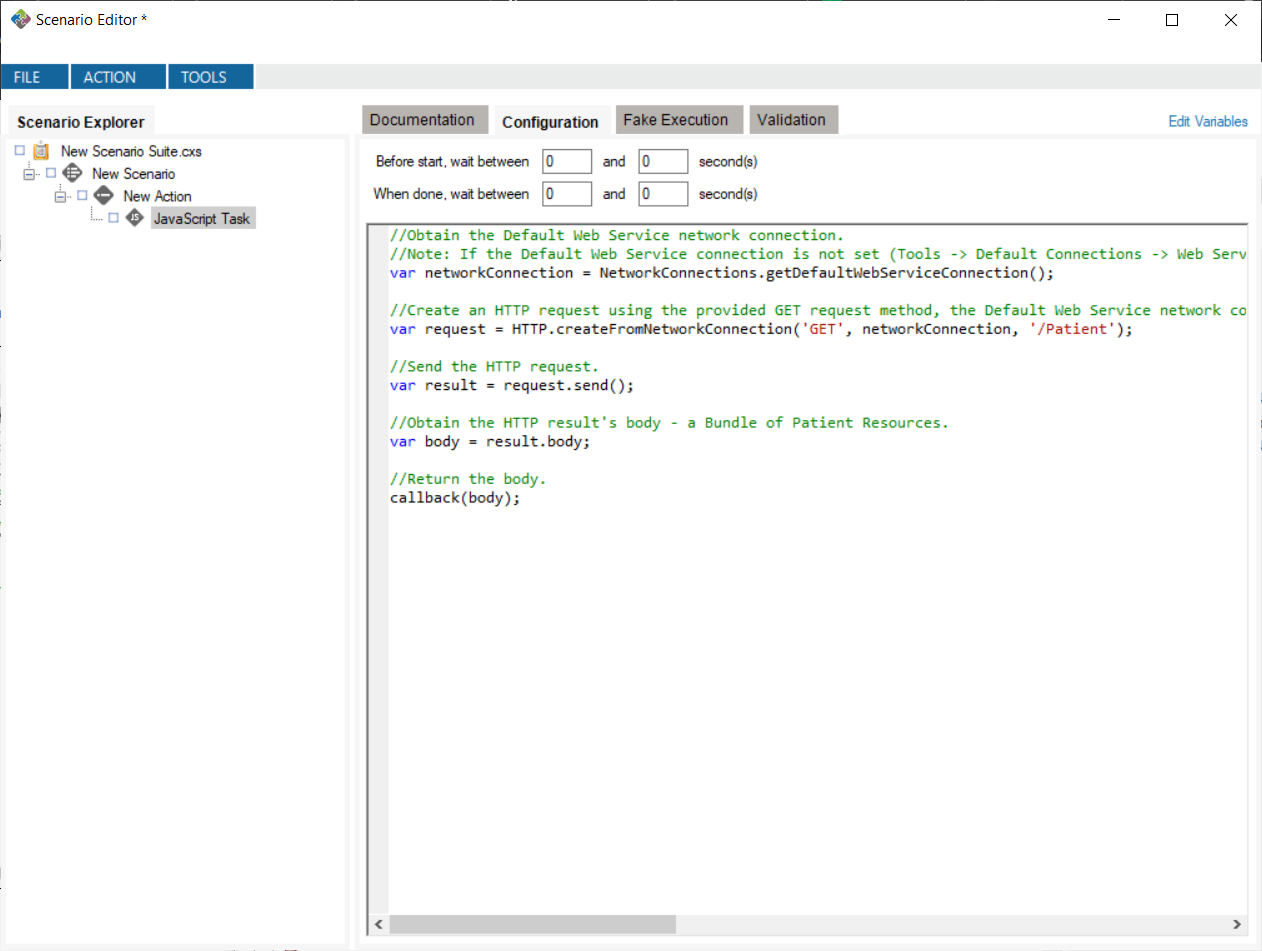
 button, opening the JavaScript editor window. Once the window is closed, any changes you make will automatically be saved. Note: any changes to Caristix Samples will not be saved.