Caristix™ Pinpoint Software
Filter 50 Messages. Or 50,000.
When you’re troubleshooting an HL7 interface, it can take hours just to find the problem message. With message throughput in the hundreds or thousands per day per interface, finding the problem is like looking for a needle in a haystack. In a word, this is painstaking.
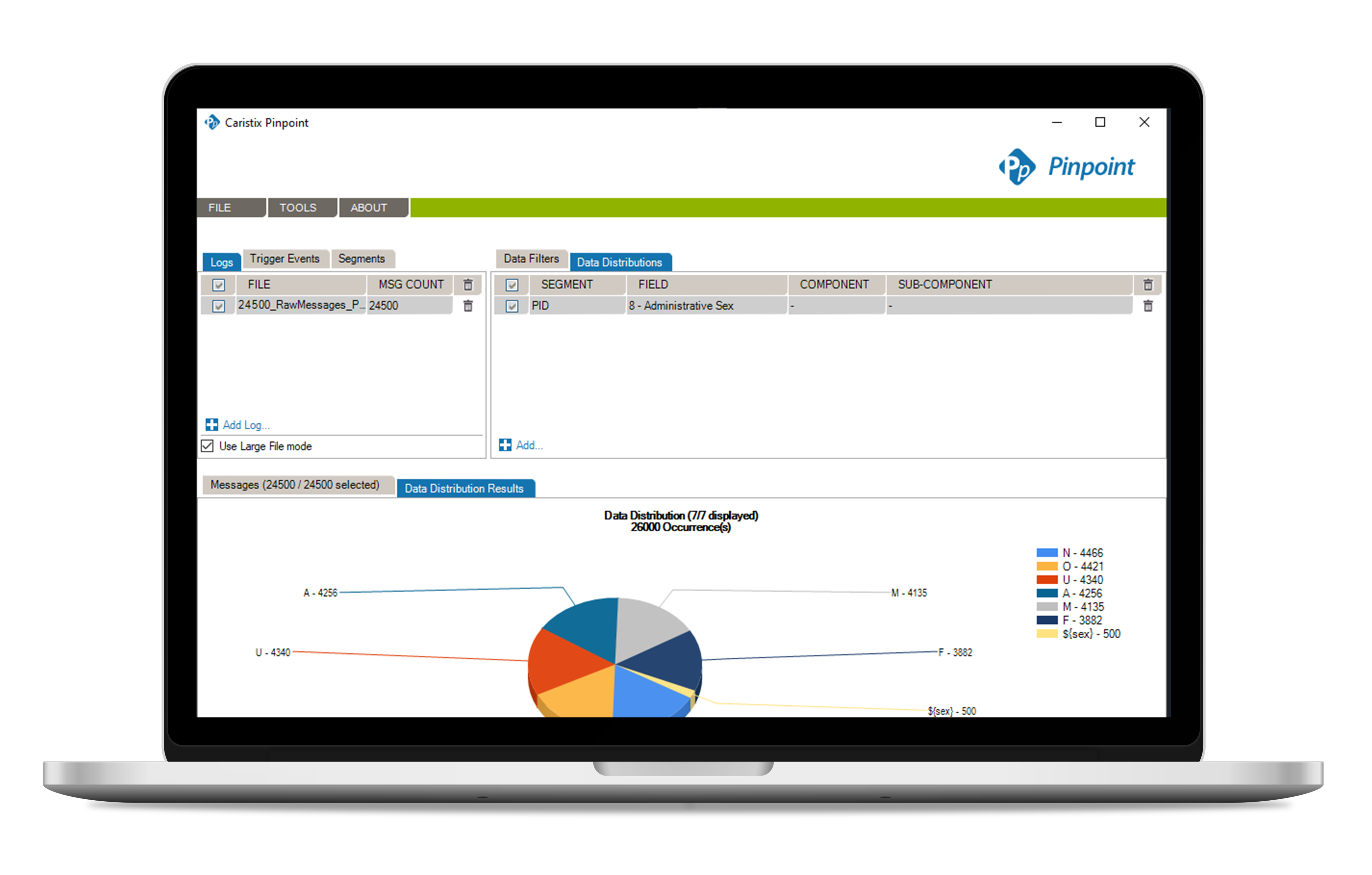
Pinpoint lets you sift through days or weeks of HL7 message logs. So you find what you need in minutes. And you clear more time for fixing interfacing issues and keeping customers happy.
What Can You Do with Pinpoint?
Implementation
When you’re implementing an interface, use Pinpoint to validate and troubleshoot problem segments (or fields, components, or sub-components) on the fly. You won’t have to page through hundreds of test messages.
Maintenance
When you’re troubleshooting an HL7 interface after implementation, use Pinpoint filters to isolate messages that need a deeper dive.
Features List
Pinpoint is Flexible
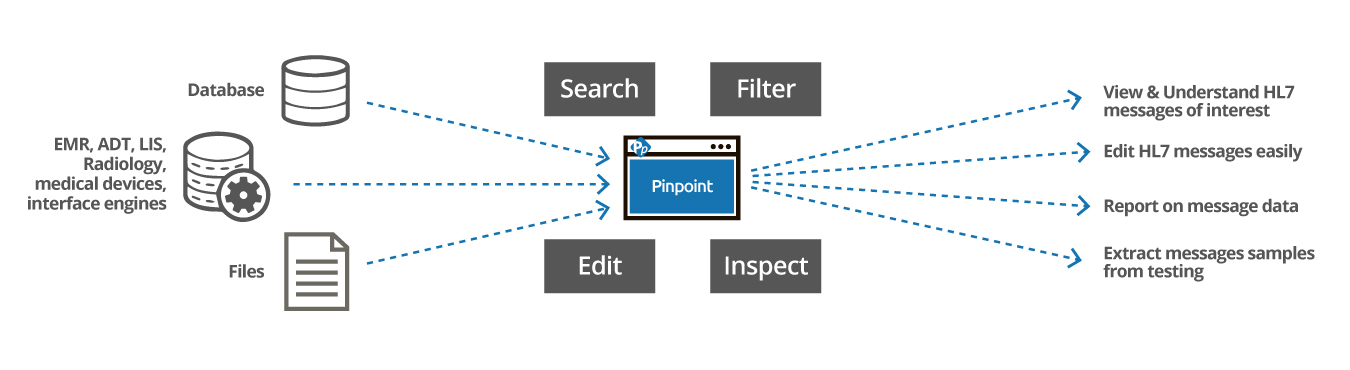
Address just about any customer environment. Pinpoint works with v2.x of the HL7 messaging standard. Work with messages generated by both point-to-point and interface engine architectures.
Pinpoint is Usable
Many HL7 development tools are complex and come with a steep learning curve. Pinpoint is different. Pinpoint does one thing – and does it right. Our users say that it takes 10 minutes to get installed and set up, then another 5 to get filtering results.
Broad Filtering
If you’re looking for all PID segments from 9:00 am through 6:30 pm yesterday, you’re going to find them.
Granular Filtering
On the flip side, if you’re tracing messages for patient Jane Smith in Room 532 in the PICU area of the Springfield building, you can build the right data filters in 5 lines.
Keep Your Current Toolset
With Pinpoint, you keep your familiar development environment for further debugging and troubleshooting. Identify problem messages with Pinpoint, then save those messages for use in your other tools.
Work with Confidence
Pinpoint is downloadable software, so you aren’t uploading your data to our servers. You choose how you want to access your logs. Manage test and production data based on your regulatory policies, including HIPAA compliance.
- Products
- Downloads
- About Us
- Follow Caristix
- Contact Us
- support@caristix.com
- Phone: 1-877-872-0027
- Request a demo
- Newsletter